
How to Set Up Your First LeadsLeap Ad (Step-by-Step)
How to Set Up Your First LeadsLeap Ad (Step-by-Step)
Hello everyone, and welcome to my very first case study on web traffic! 🎉
In this post, I’ll walk you through exactly how I set up my first LeadsLeap ad. If you’re new to affiliate marketing or just looking for ways to drive more traffic to your site, this guide is for you.
Why LeadsLeap?
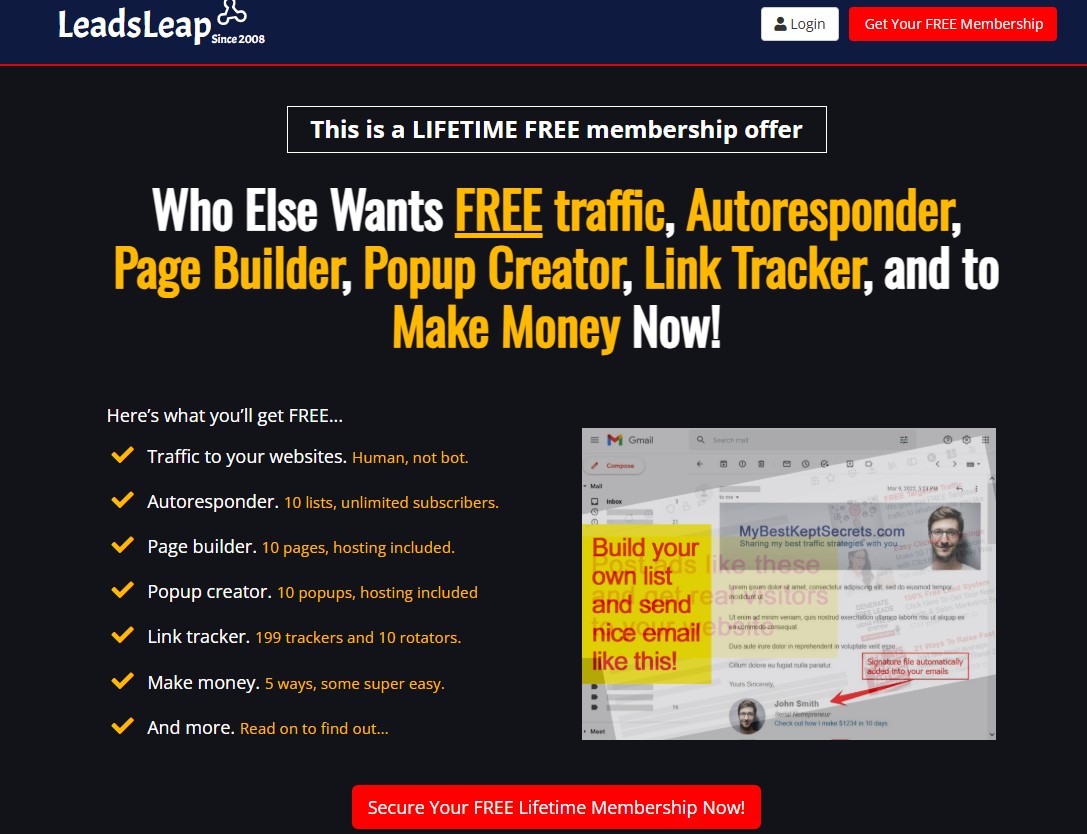
LeadsLeap is a powerful platform for generating free traffic, building lists, and promoting your offers. What I like most about it is how beginner-friendly it is—you don’t need to be a tech wizard to get started.
👉 If you’d like to check it out for yourself, you can create your free account through my site here: kingofjames.com/leadsleap
Step 1: Log Into LeadsLeap
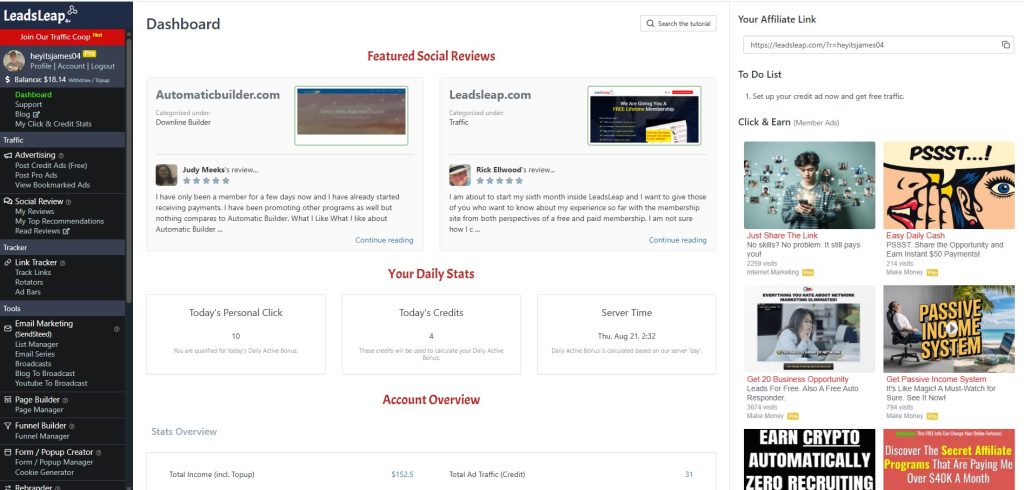
Once you’ve created your account, log in to your LeadsLeap dashboard. From there, head over to the “PostPro Ads” section. This is where you’ll create and manage your ads.
Step 2: Choose an Image
An image helps your ad stand out. For my first ad, I went to my website (kingofjames.com) and grabbed a picture to use. You can right-click, save the image, and upload it directly into LeadsLeap.
When uploading, you’ll want to resize the image a bit so it fits nicely. Don’t overthink it—just make sure it looks clean and professional.
Step 3: Add Your URL
Next, enter the URL you want people to visit. For my test ad, I used my main site: kingofjames.com.
This step is important because it tells LeadsLeap where to send traffic once someone clicks on your ad.
Step 4: Write Your Title & Description
Here’s the copy I used for my first ad:
Title: Make $3.99 Per Day
Description: Nothing can free you like becoming financially free. Become free with this today.
Keep it simple, clear, and curiosity-driven. The goal isn’t to explain everything upfront—it’s to get the click.
Step 5: Choose a Category
LeadsLeap allows you to categorize your ads. I picked Affiliate Marketing since that’s what my site is about. Choose whichever fits your niche best.
Step 6: Save & Submit
Click Save & Submit, and your ad will go live in the LeadsLeap system.
Once live, it’s always a good idea to test it—click through and make sure your link works properly. Mine did, so that wrapped up my very first LeadsLeap ad setup!
Final Thoughts
Creating this ad was a simple but important first step in my journey of testing different web traffic strategies. LeadsLeap makes it easy for beginners like me to get started without spending a dime.
This is just the beginning of my web traffic case studies, where I’ll be testing and documenting what works (and what doesn’t) so you can learn alongside me.
👉 Want to follow along with my journey and set up your own LeadsLeap ads? Start here: kingofjames.com/leadsleap